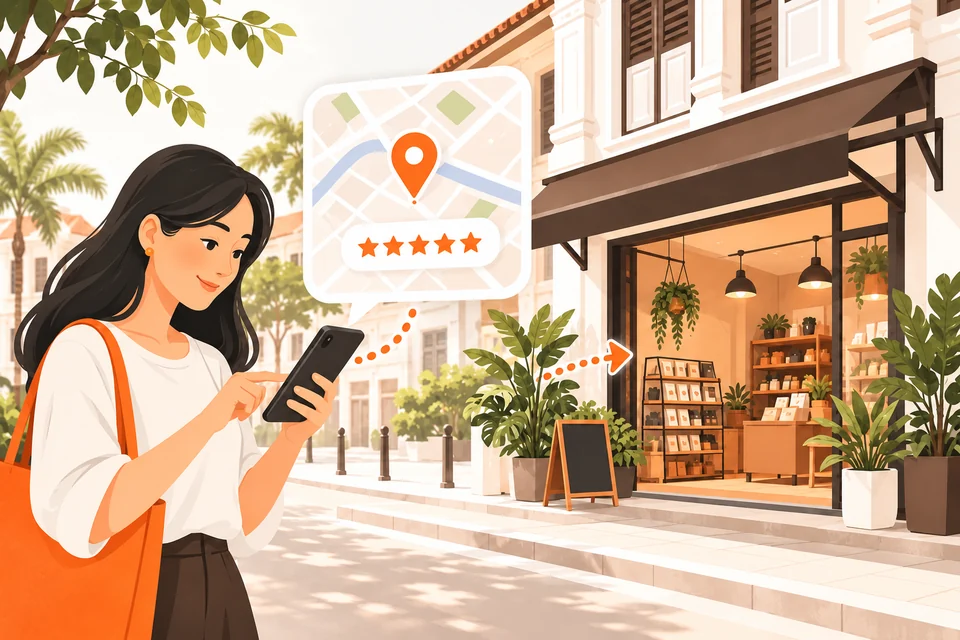
Think about the last time you needed a barber, a phone repair shop or a bakery nearby. You probably didn’t flip through a directory. You opened Google or Google Maps, typed “near me”, and picked from the first few results.
Your customers do the same thing every day. If your physical shop in Malaysia is missing from Google Maps or has a half-empty listing, a potential customer may simply choose the shop that did show up.
A practical first step is a Google Business Profile. It is free to create and manage. You can start by adding your business details, although verification can take several business days or longer.
What is a Google Business Profile?
It is your shop’s free listing on Google Search and Google Maps. It used to be called Google My Business, and many people still use that name.
7 details your business profile should include
When someone searches for your shop or your type of business, your profile can show:
Shop name and location
Your shop name, address and a pin on the map
Opening hours
Opening hours, including public holiday hours
Contact options
Phone number, website link and a WhatsApp contact option where available
Real photos
Photos of your shop, products and work
Services, products, menu and prices
Your services, products, menu and prices, depending on the features available to your business
Reviews and ratings
Customer reviews and star rating
Directions
A “Directions” button that guides customers right to your door
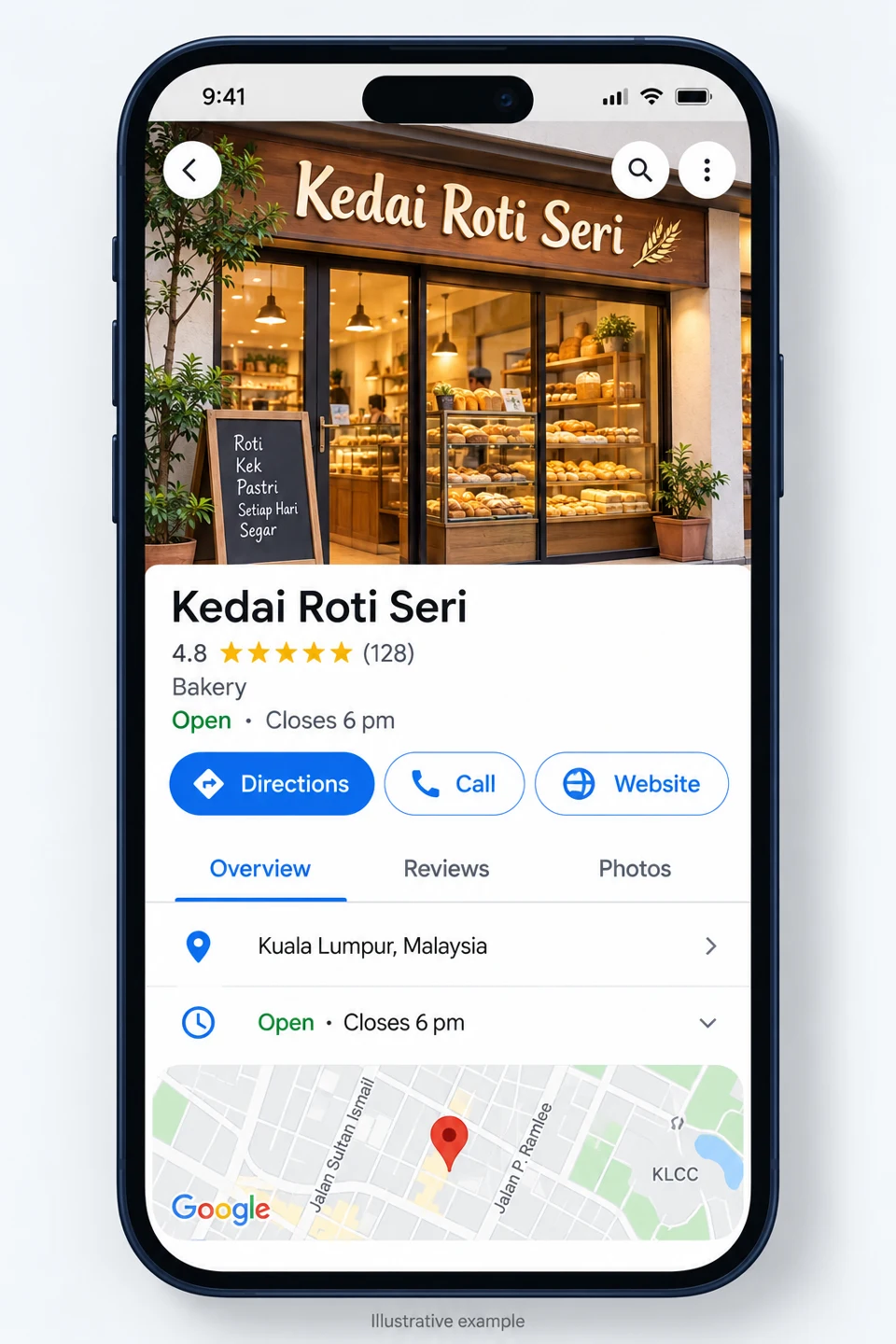
It answers three questions every customer has: What do you offer? Where are you? Are you open now?
Why it matters: the numbers
A complete profile is more than “nice to have”. Google’s own guidance shows that customers treat it as a trust signal.
| What the research found | Source |
|---|---|
| Customers are 2.7x more likely to consider a business reputable if it has a complete profile on Search and Maps. | Google Help |
| Customers are 70% more likely to visit a business with a complete profile. | Google Help |
| Customers are 50% more likely to consider buying from a business with a complete profile. | Google Help |
| 97% of survey respondents read reviews for local businesses; 71% use Google for reviews. | BrightLocal 2026 |
| 47% of respondents won’t use a business with fewer than 20 reviews. | BrightLocal 2026 |
| 80% of respondents say they are likely to use a business that replies to all its reviews. | BrightLocal 2026 |
| 98% of Malaysia’s population, an estimated 35.4 million people, used the internet at the end of 2025. | DataReportal |
BrightLocal’s figures come from a representative survey of 1,002 U.S. adults. They provide useful context about review behaviour, rather than Malaysian survey results. DataReportal’s figures are estimates for Malaysia.
What this means for your shop: Malaysia has very high internet adoption, and an online search can be the first step towards a visit. A missing or incomplete profile can make it harder for customers to discover you before they ever see your counter.
3 factors Google uses for local results
Google says local results mainly depend on three factors (Google Help):
- Relevance — how well your profile matches what the customer searched. A complete profile with the right category and services helps here.
- Distance — how close you are to the person searching.
- Prominence — how well-known you are, shaped by reviews, ratings and links to your website.
Google also states clearly: There’s no way to request or pay for a better local ranking on Google.
A useful, accurate profile gives small shops a practical way to compete for attention, although it does not guarantee a particular ranking.
Your 7-step starter checklist
- Search your shop name on Google Maps first — a profile may already exist. If so, look for the option to claim or manage the business.
- Create or claim your profile at google.com/business and complete the verification steps Google offers.
- Choose the most accurate main category, for example “Hair salon”, rather than just “Shop”.
- Fill in the relevant fields: address, hours, phone, website, services or products, and a short description.
- Upload real photos: shopfront so people recognise it on the street, interior, products and team.
- Ask customers for honest reviews, without incentives or filtering for positive feedback. Reply thoughtfully to reviews, good or bad.
- Update holiday hours before Hari Raya, Chinese New Year, Deepavali and Christmas.
4 mistakes to avoid
Wrong pin location
customers end up at the wrong lot or the back lane.
Outdated hours
arriving at a closed shutter is frustrating.
Ignoring reviews
silence on a bad review can look like you don’t care.
Set and forget
a profile with only 2019 photos can look like a shop that may have closed.
3 risks to watch out for
- Buying fake reviews breaks Google’s rules. Fake and incentivised reviews can be removed, and violations can lead to restrictions. Never offer payment, discounts or freebies in exchange for reviews, including 5-star ratings. Read Google’s review policy.
- Fake “Google partner” calls. Be wary of callers claiming your listing will be deleted unless you pay. Creating and managing a profile directly with Google is FREE. Google’s guidance on fraudulent calls.
- Keep your login safe. Keep primary ownership with an account controlled by the business owner. Give staff or agencies their own manager access rather than sharing your password. Manage owners and managers.
The bottom line
Your shop may be the best in the neighbourhood, but if Google can’t show it, many customers will never know. Set up your free Google Business Profile, keep it fresh, and make it easier for customers to find their way to your door.
Published by Alice Tan · Digital Marketing & Growth